
Kinoteca
Local media center in Rust with hardware-accelerated WGPU rendering
Studio-quality video and audio running directly on your GPU. No internet. No subscriptions. No Electron.
LEARN MORE Studio-quality video and audio running directly on your GPU. No internet. No subscriptions. No Electron.
LEARN MORE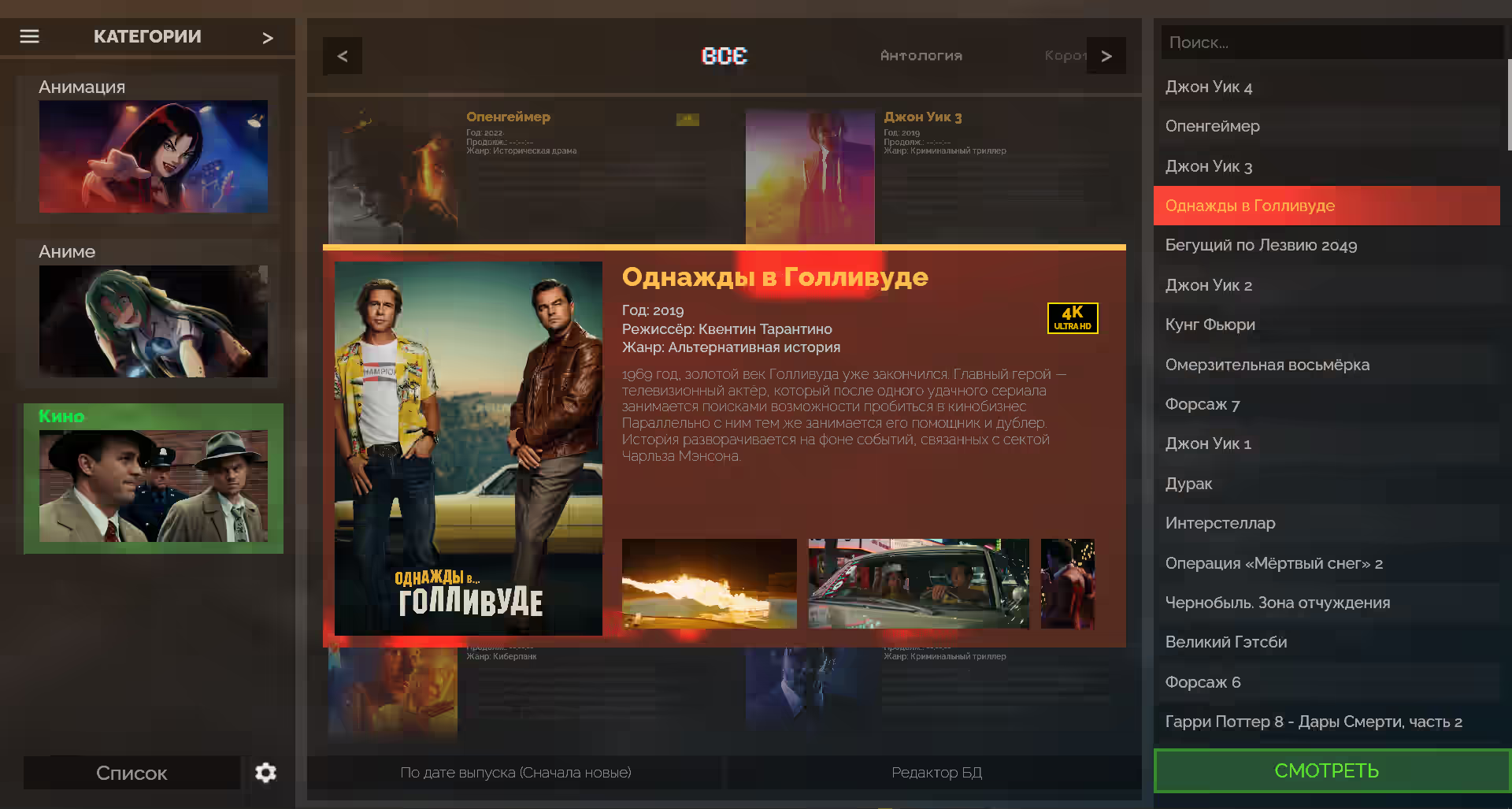
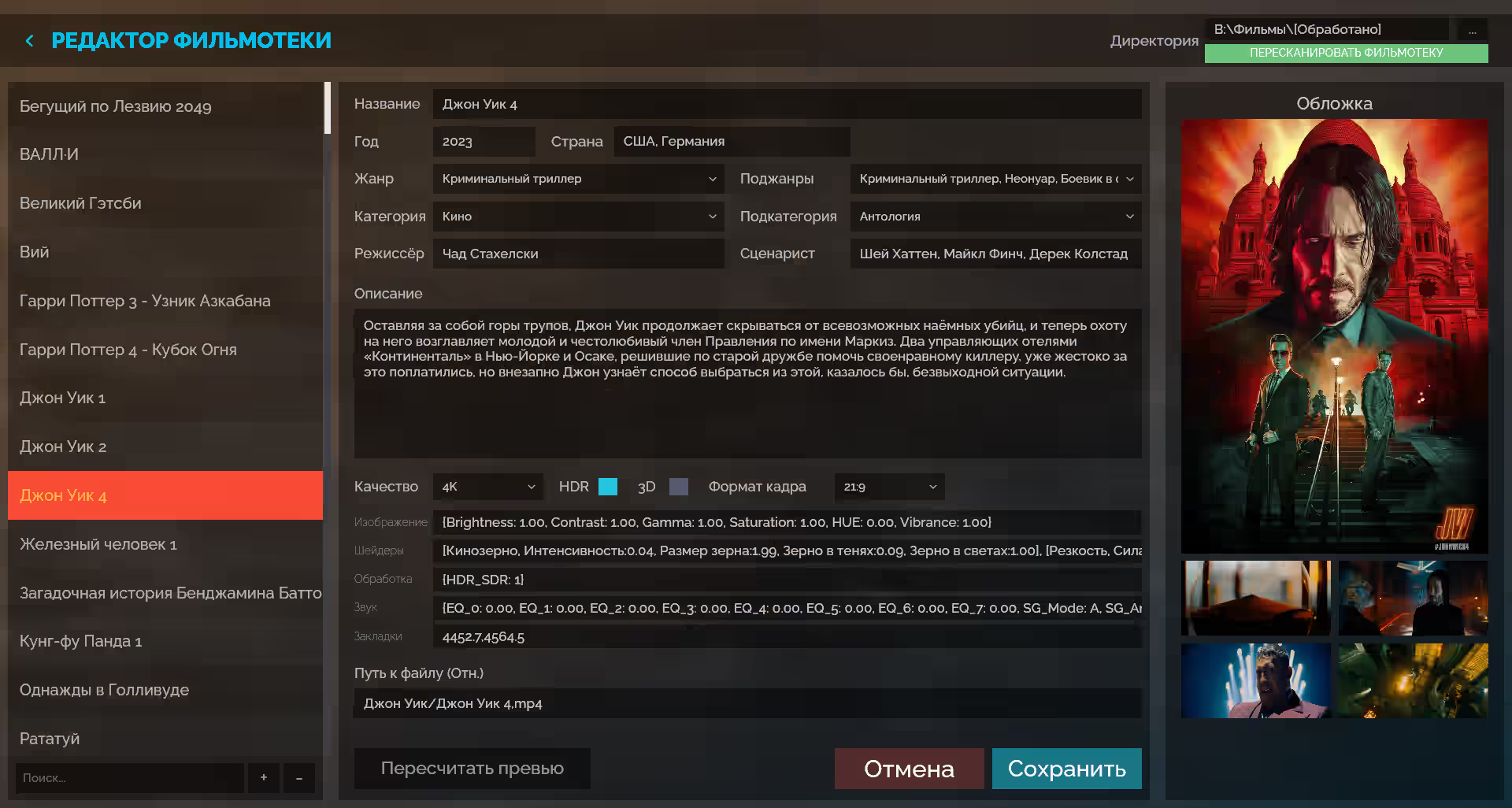

Mathematically precise pipeline. Translating PQ into linear space, gamut mapping from BT.2020 to BT.709 with skin tone protection and elimination of highlight color shifts.

Adjust brightness, saturation, vibrance, contrast, gamma
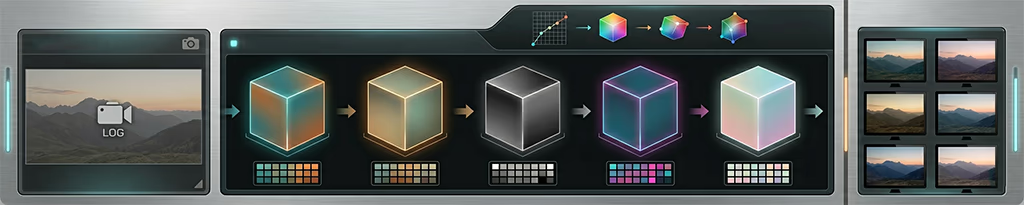
Built-in support for 3D LUT tables



Control the image at the GPU level.
High-precision upscale, film emulation, and deterministic grain.
You can drag blocks of shaders with the mouse by the icon on the right to change processing order, and tweak the sliders. The image on the left renders instantly. The effects are real.
You have the opportunity to write your own custom shaders!
Audio processing should not create latency. The built-in DSP uses real-time saturation and equalization. Play the video on the right and adjust the sound with the sliders below.
The media center is delivered as a single portable executable, requiring no installation or internet connection.
ffmpeg-next bindings and is completely decoupled from the UI rendering thread. Video frame and audio packet decoding occur in parallel background threads. Decoded frames are passed into a lock-free queue with zero memory allocations in the render loop, and their output is synchronized via the high-precision system clock of the audio card (audio-driven sync). This eliminates UI latency and guarantees absolutely smooth 60 or 144 FPS with no dropped frames or micro-stuttering..cube format) are converted into three-dimensional Rgba32Float textures on the graphics card. Color mapping is performed using tetrahedral interpolation in the fragment shader, providing cinematic color transitions with zero banding and minimal VRAM overhead.ringbuf buffer. The chain includes an 8-band parametric equalizer on biquad filters and a Soundgoodizer module, which splits the signal into 3 bands (crossover with Linkwitz-Riley filters) and applies independent compression and a non-linear saturator.asm!). This guarantees that signal peaks are softly smoothed using the hyperbolic tangent function in a minimal number of CPU cycles, completely eliminating audio stutters.